How to organize a shared grocery list
A shared grocery list works when everyone knows which list to use, how to describe an item, and who is doing the shop. The app helps hold the information; a few household agreements make it useful.
1. Pick one place for requests
Choose one list for the next shop. Ask everyone to add requests there instead of sending separate messages. If you keep multiple lists, name them by purpose so a weekly shop is not confused with a party or a future idea.
2. Be specific enough for someone else to shop
Include quantity, size, or an important preference. For example: “milk, one half-gallon” or “tomatoes, two cans.” Use the same name for a regular staple so duplicates are easier to notice. Avoid storing sensitive information in item names or notes.
3. Check the kitchen first
Before adding a staple, look for an unopened package or an ingredient reserved for another meal. A pantry inventory helps only when it is kept reasonably current. A quick physical check can resolve uncertainty.
4. Agree on shopping and editing roles
Decide who is shopping and how last-minute changes should be handled. With NaturaList’s collaborative lists, use the available member and invitation controls for the people who need access. Sharing uses Sign in with Apple and the hosted service. Check connectivity and the current list before starting a shop.
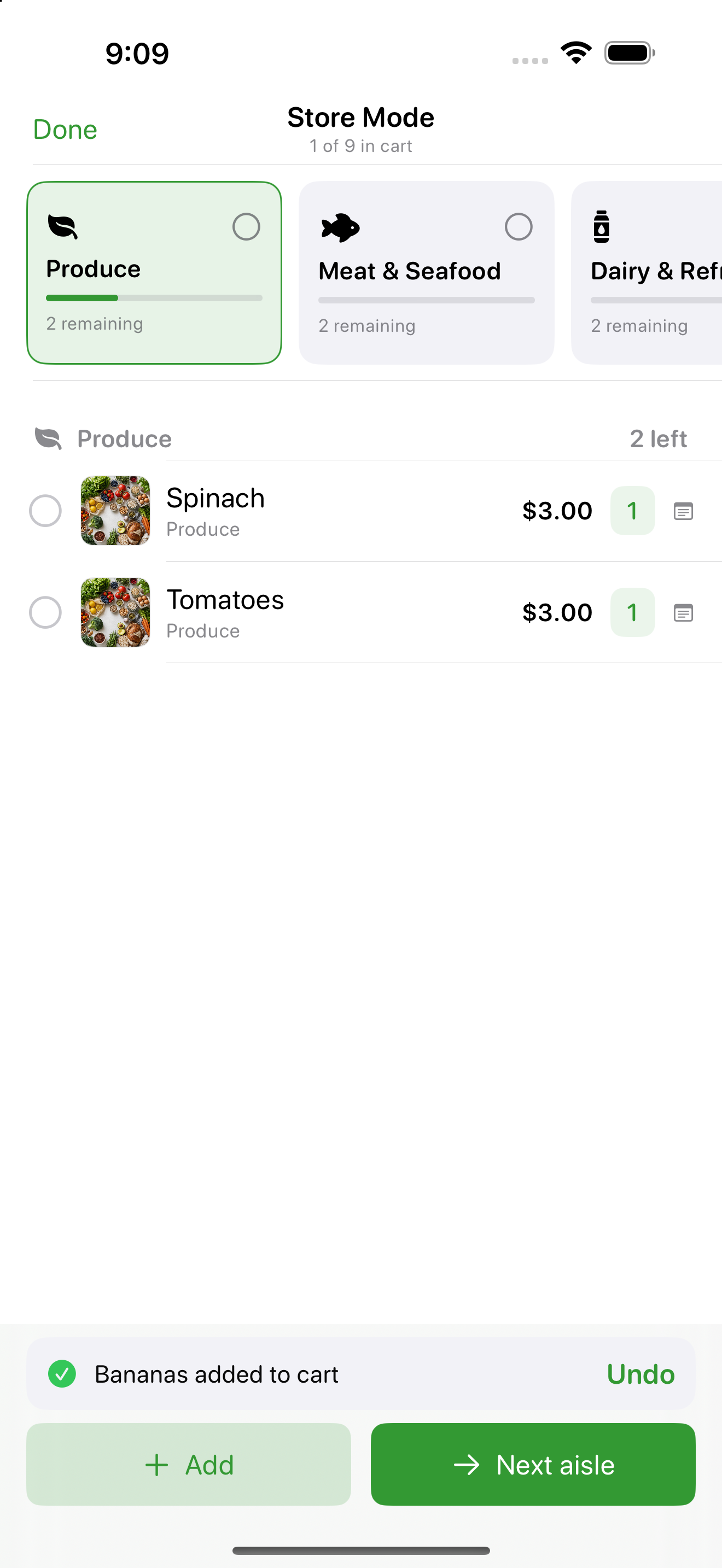
5. Keep prices and substitutions clear
Treat app estimates as estimates. If a preferred product is unavailable, agree on an alternative or ask the household member who requested it. Do not assume an AI substitution is appropriate for an allergy or dietary need.
6. Close the loop after shopping
Review what was bought, keep unpurchased items for the next trip, and update pantry quantities. Check who still has access when household arrangements change. The goal is a reliable routine, not a longer list.
Try NaturaList for your next shop
For iPhone running iOS 18.4 or later. Free to download; some features require NaturaList Pro. Check the app for current plans and availability.
Get NaturaList on the App Store